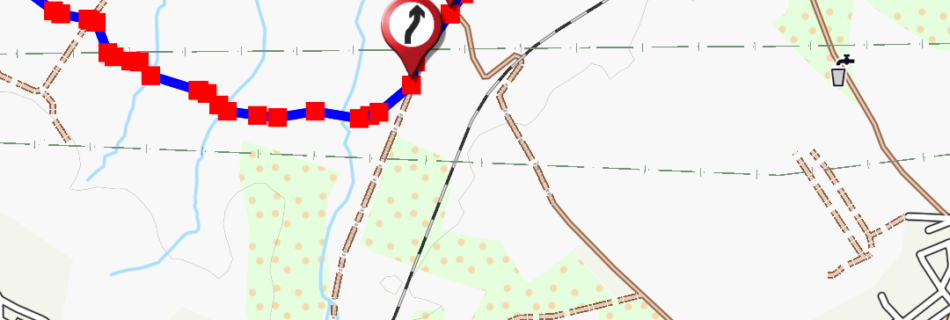
OruxMaps for iOS

OruxMaps for iOS   Your Ultimate Companion for Outdoor Activities Download it from App Store! Are you an outdoor enthusiast, mountaineer, runner, cyclist,…? OruxMaps is the mobile application you’ve been waiting for. Specifically developed for professionals and enthusiasts who need a robust, accurate, and easy-to-use GPS navigation tool. Advanced GPS Navigation Offline and Online Maps …

New route planner

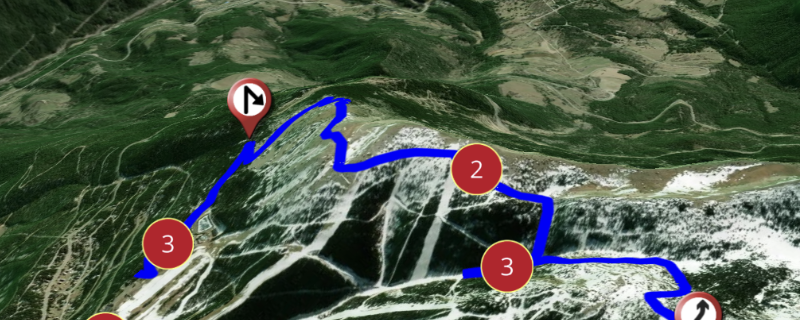
New route planner   In this video you can see how the new route planner works, combined with the 3D map viewer (subscription required).   Youtube video  

Integration with SICAMI

Integration with SICAMI     Now OruxMaps is integrated with SICAMI! When you register your user in OruxMaps (from version 10.0), you have the option of doing it with SICAMI as well. In this way you will enjoy the advantages that its web application offers you.    What is SICAMI?   SICAMI TRACKS allows you …

Configuring online maps

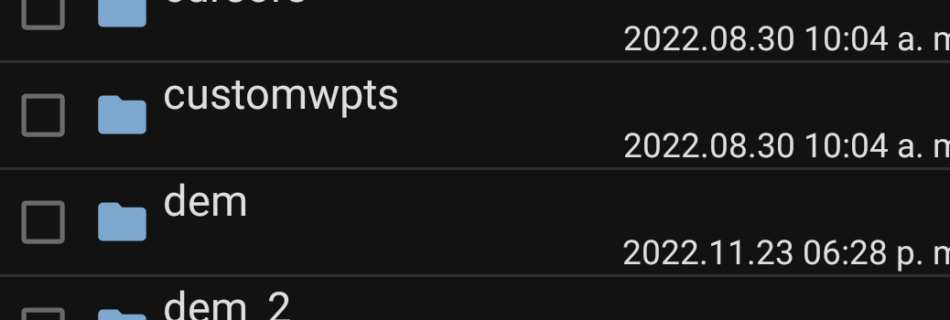
Configuring online maps The maps that appear in the list of online maps are configured in the onlinemapsources.xml file found in the oruxmaps/mapfiles/ folder. In that folder are the maps officially offered by OruxMaps. It is a short list of maps, which you can expand with other online maps, from hundreds of existing map sources …

3D Mapbox Maps

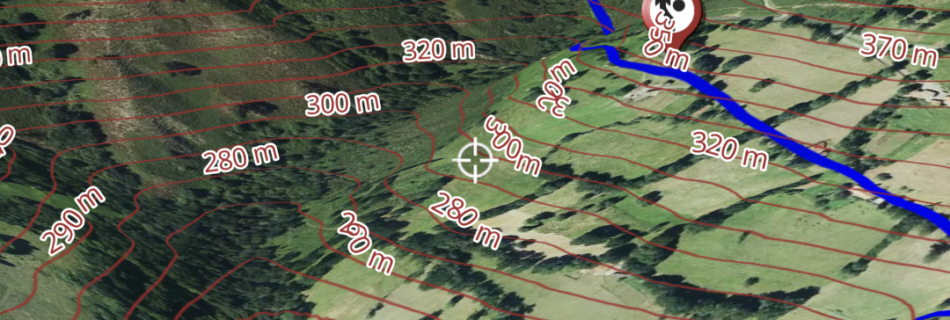
3D Mapbox Maps In the latest versions, for users who have subscribed to the featured maps, there is now the option of using the fantastic 3D viewer with which you can enjoy extraordinary views of the map and the routes you are following. I leave you a link to the video where the possibilities of …

OruxSoS

OruxSoS     OruxSoS application aims to be a tool that helps people who carry out outdoor activities alone so that, in the event of an accident, the app can send an alert message to the phones that the user determines. In order to work, when you activate the alarm, it accesses the GPS positioning …

Android +11 Scoped Storage

Android +11 Scoped Storage     First of all, the interface, for users who were already using previous versions. By default the new ‘unified interface’ is used. Going back to the old one is easy: Global Settings–>’Unified Interface’ (remove selection).   The complex part, the new storage system: Version 9.x uses the Android SDK level …

How to edit a Track

Edit a Track     With this tool you can modify your Tracks, adding/removing/moving Track points or Waypoints. In the list of your Tracks, click on one of them -> properties -> edit   More: Track edition